How do I add QR-code captions to a live event?+
Configure and start the 4ALL event, enable the intended viewer languages and access modes, then publish its QR code and direct link on event signage, slides, web pages, and attendee messages. Test the attendee journey on representative phones and the venue network before doors open.
Do attendees need to install an app?+
No dedicated audience app is required for the documented viewer workflow. Attendees open the shared link or QR code in a modern web browser.
Do viewers need a 4ALL account?+
No operator account is required to use a properly shared audience viewer. Producers and event operators manage access and configuration separately.
Can every attendee choose a different language?+
Yes. Each viewer can choose among the languages the producer has enabled and made available for that event.
What if a guest cannot scan the QR code?+
Provide the direct viewer link in readable form and train event staff to assist. An appropriate shared-screen or managed alternative should also be planned for guests without a usable device or connection.
Can the QR viewer include ASL?+
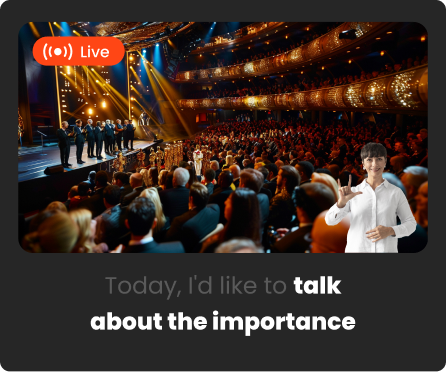
Yes. When the event supplies a qualified human ASL interpreter and enables the workflow, supported viewer controls can present interpreter video in picture-in-picture alongside captions. Interpreter staffing is arranged separately from the platform video-delivery allowance.